Skyrez is free to get started and you don't need a credit card. A single account gives you access to all six modules: Transportation, Tours, Hotels, Vacation rentals, Restaurants and Attractions.
Create your account
1. Open the sign-up page
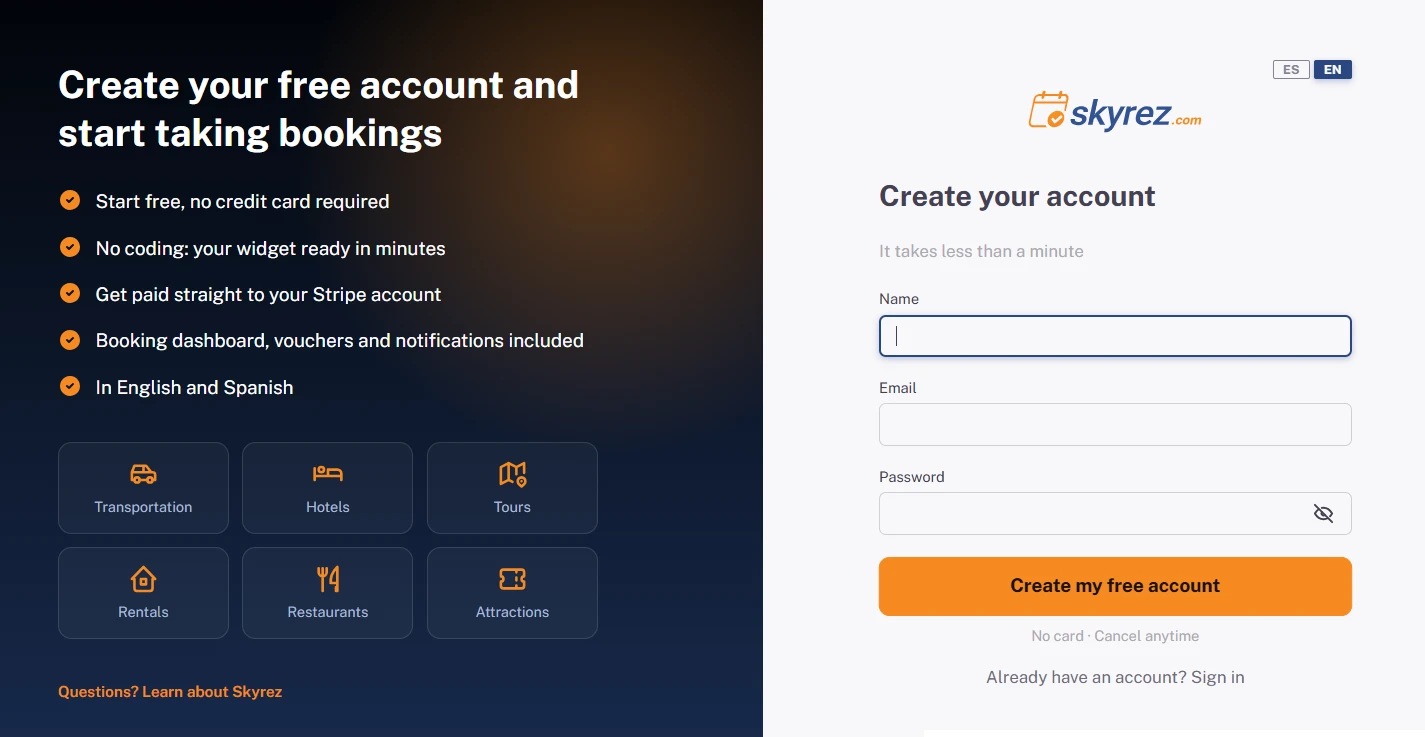
Go to app.skyrez.com/register. You can switch between English and Spanish at the top right.
2. Fill in your details
Enter your Name, your Email and a Password. Click the eye icon to see what you typed in the password field.
3. Click "Create my free account"
You'll go straight to your dashboard. We'll email you a link to verify your address; until you do, you'll see a notice at the top with a link to resend it. You can keep setting up your account in the meantime.
If the verification email doesn't arrive, check your spam folder or use the link in the notice to resend it.
Get to know the dashboard
The Home page
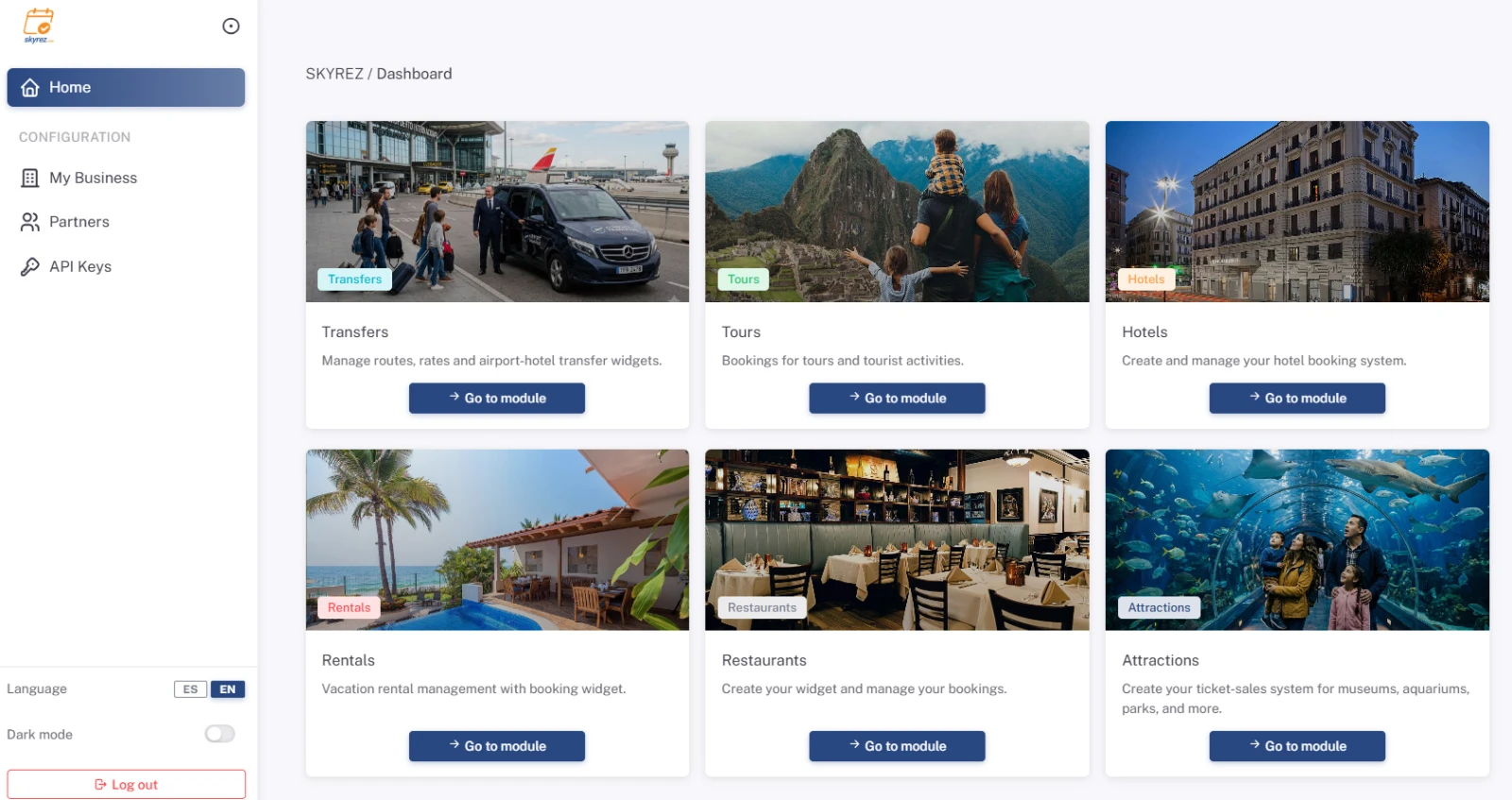
When you log in you'll see one card per module. Click Go to module on the one you want to work on.
The side menu changes with each module
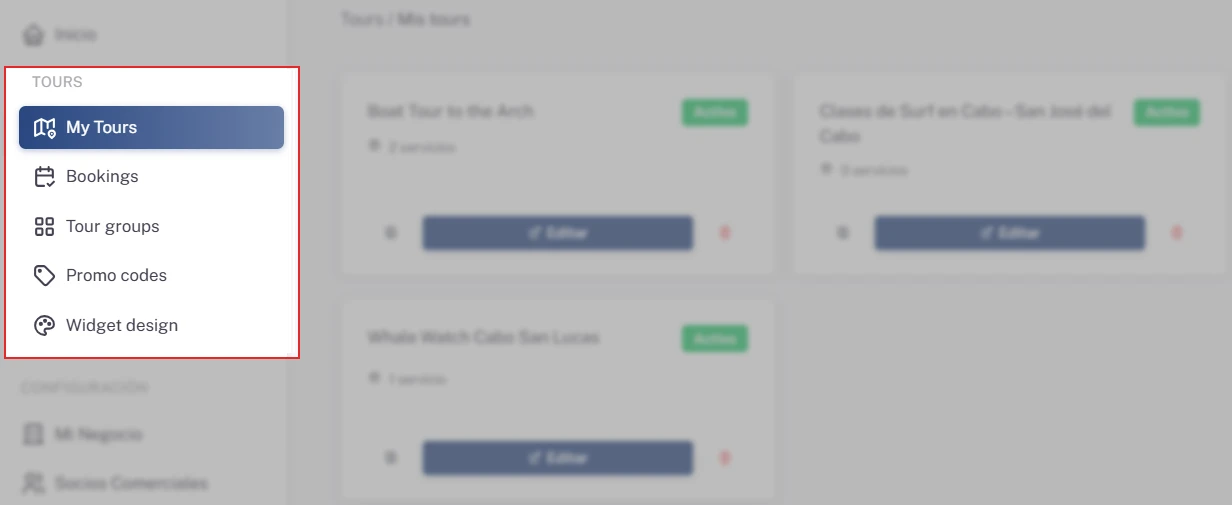
Inside a module, the left menu shows that module's sections. For example, in Tours you'll see My Tours, Bookings, Tour groups, Promo codes and Widget design. To switch modules, go back to Home.
Configuration
In every module, the Configuration section sits at the bottom of the menu:
- My Business: your company details, your logo and the Stripe connection for online payments.
- Partners: the agencies that resell your services at special prices.
- API Keys: keys to connect other systems to Skyrez.
Language and dark mode
At the bottom of the menu you can switch the dashboard language (English or Spanish), turn on dark mode and log out.
Next step
Set up your business details first. Follow the guide Set up My Business.